I created a 365 Project Lightroom Plugin
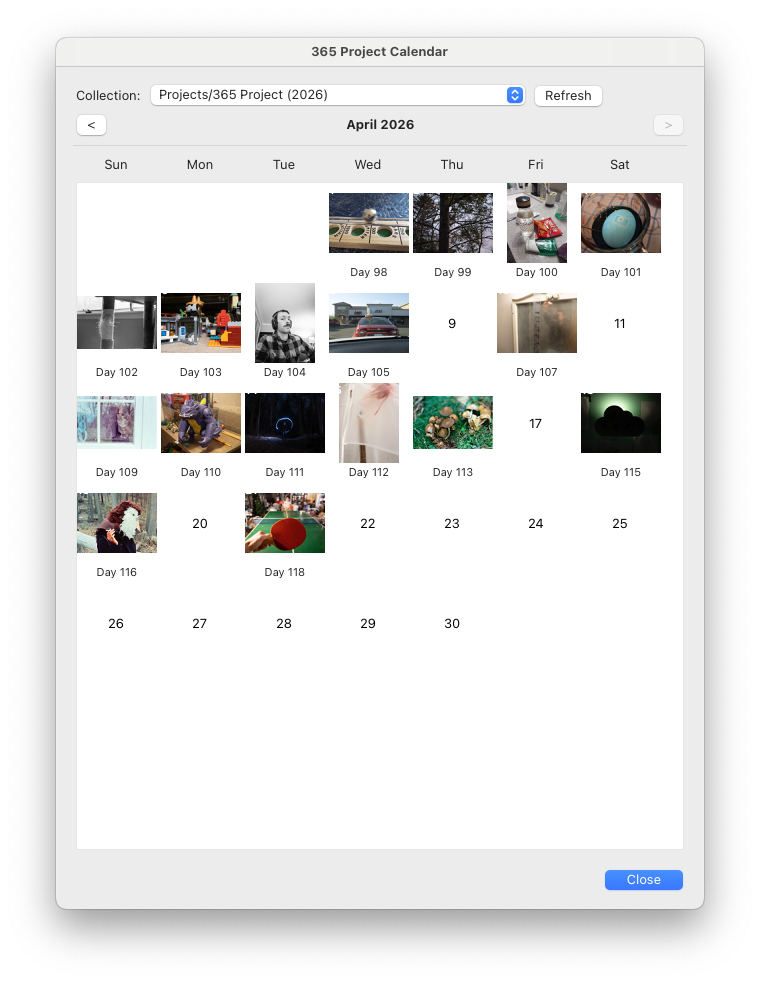
On December 25, 2025 I started a 365 Project where I take one photo every day for a year. Because I shoot a lot of film photos I ran into an organization problem because the day I take a photo and the day I can post the developed photo are often spread out pretty far. And while a Light Room Classic collection can sort by capture date, it's not easy to identify which photos were taken when and what day number of the challenge they belong to.
So with the help of Claude I built a little calendar view for Lightroom which not only shows you the gaps in the calendar where a photo needs to be placed, but also tells you what day of the challenge the photo belongs to.
I released it on GitHub and I hope you find it useful. Installation and usage instructions are in the project README.