Documenting Apple's undocumented and unclear code.
Last month I encountered my first need for a custom CoreData merge policy and turned to the Apple documentation for guidance. There wasn't much. I had a unique constraint on an id field and I wanted to overwrite the database values for conflicts with non-nil fields from the incoming change without overwriting the existing record's information if the incoming change were nil.
For example, if I made a GraphQL query that did not include some field (say a binary blob or something expensive to fetch), but the local copy of the CoreData model representing the GraphQL model already had that field from a previous (and different) call, I did not want to overwrite the already-stored-expensive-data field with nil.
Quite frequently I find myself needing to import a module to gain access to a type (usually a model), but I never interact with that module again. Recently I discovered simple way to skip having to put import ModuleName at the top of my code. This trick is especially handy in SwiftUI, but works for any use case.
Here's an example, let's say a user wants to see their weight from HealthKit in either pounds or kilograms. To do so they press a button. In order to change this information we will create a mock class that interacts with the health data store and returns the current unit for the user's weight:
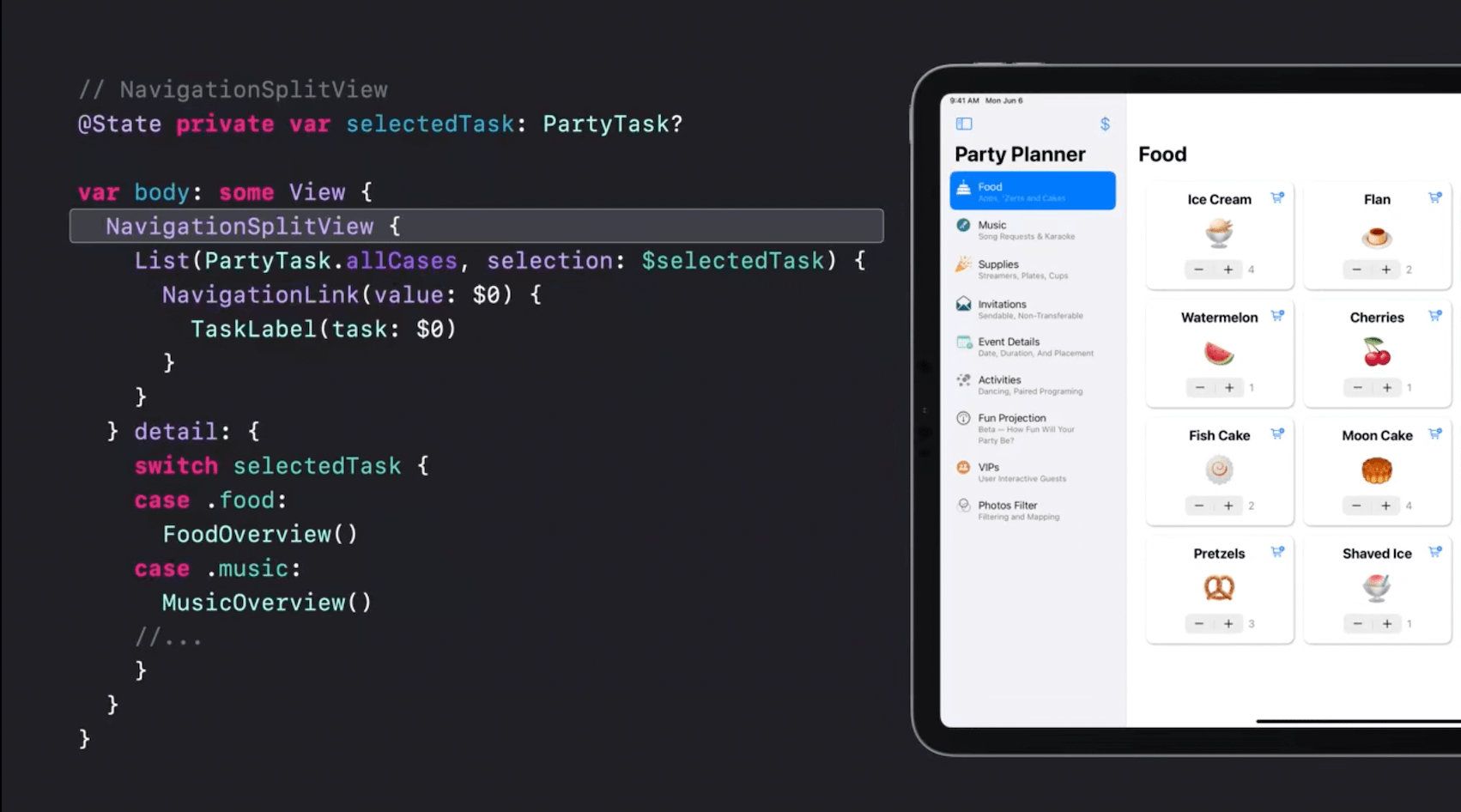
Have you noticed that all the examples on Apple's website, on Medium, and by prominentSwiftUI bloggers only use List views for the sidebar(s) and don't have a NavigationStack in the final detail view that they push additional content onto? There's a reason for that, and unfortunately it's not a pleasant one.
If you're looking to build a seemingly simple split-view app with a 1-depth sidebar and an n-depth detail view, using List in the sidebar view is a fine choice. But if you do not want the cookie-cutter look and feel List is not your friend. Unfortunately, NavigationSplitViewreally, really wants you to use List and if you don't use one then don't you dare try to programmatically push more content onto the detail view's navigation stack.
This split view demo from WWDC looks great, but what if your side-bar UI would look better if it were layed out as a grid?